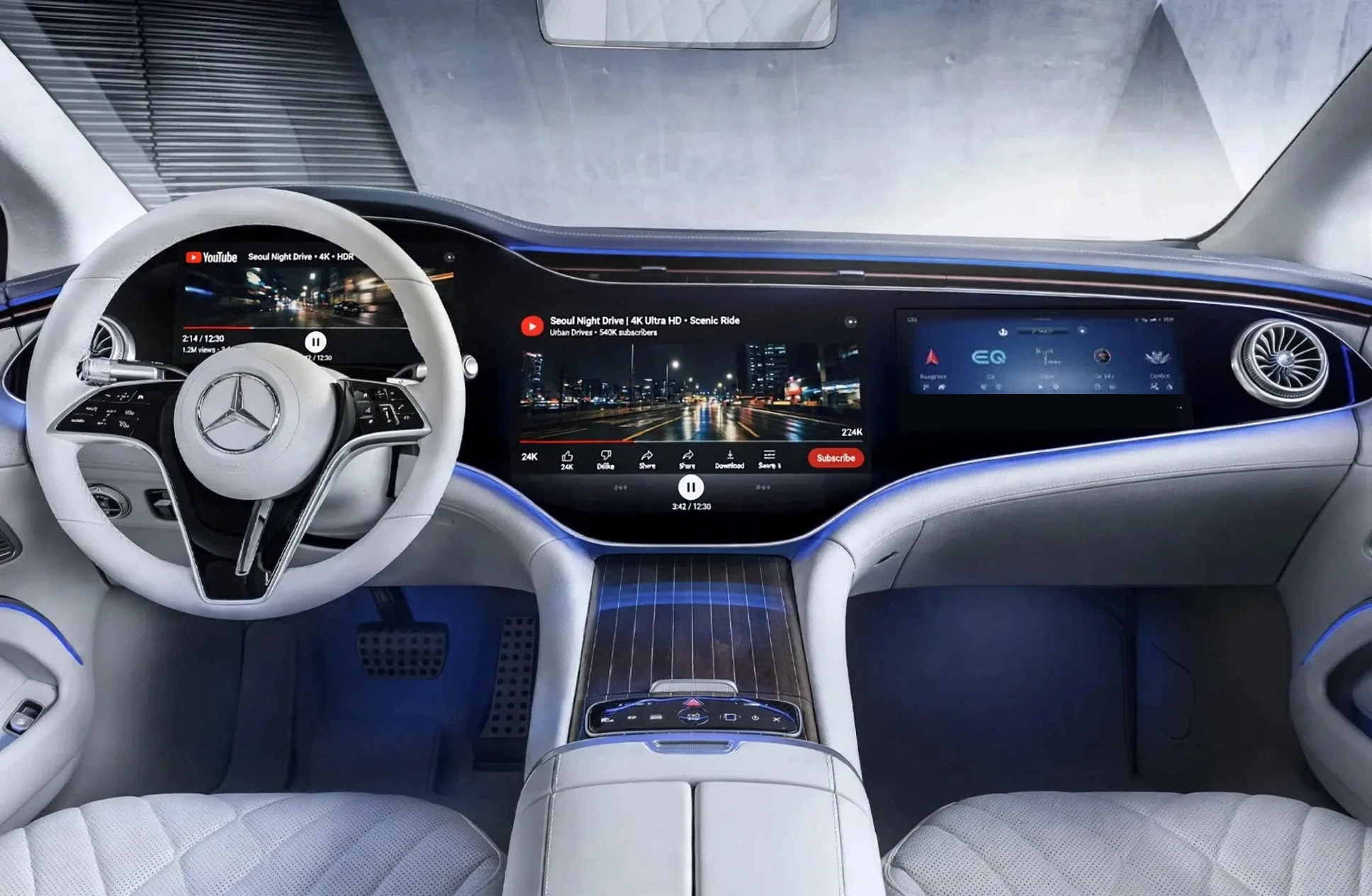
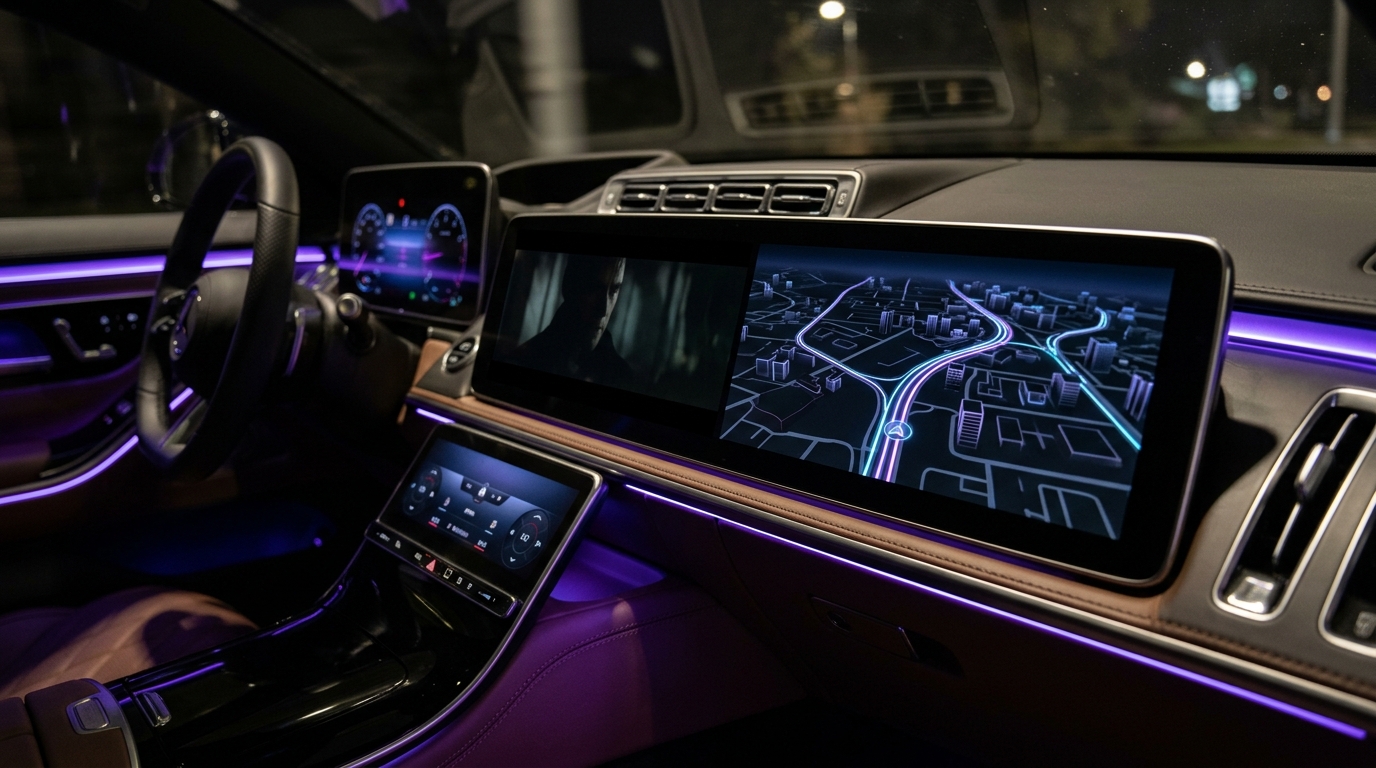
No dongle, no extra hardware — the program alone is all you need to watch YouTube on your car's display. Watch YouTube smoothly alongside navigation in Coolwalk split-screen or fullscreen—with real landscape comments and uninterrupted playback while driving.
Pro is $7.99 one-time · 1 device · Pay on Gumroad — download link & license key arrive by email instantly.
Every control, comment box, and transition is tuned for both car displays and foldable/landscape phones.
Runs side-by-side with Maps/Navigation on your car screen or expands to full screen with one tap.
Keeps YouTube video and audio playing on your car head unit even when your phone screen locks or sleeps.
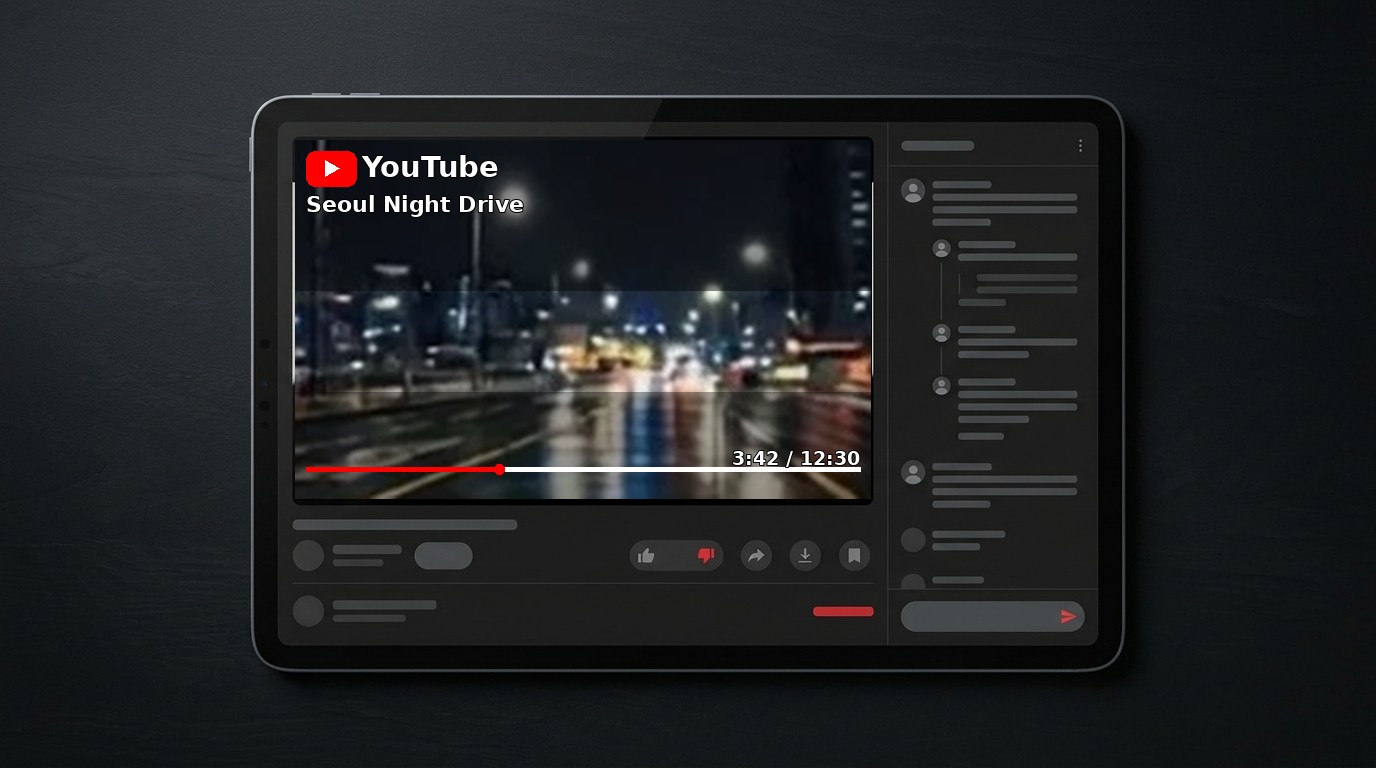
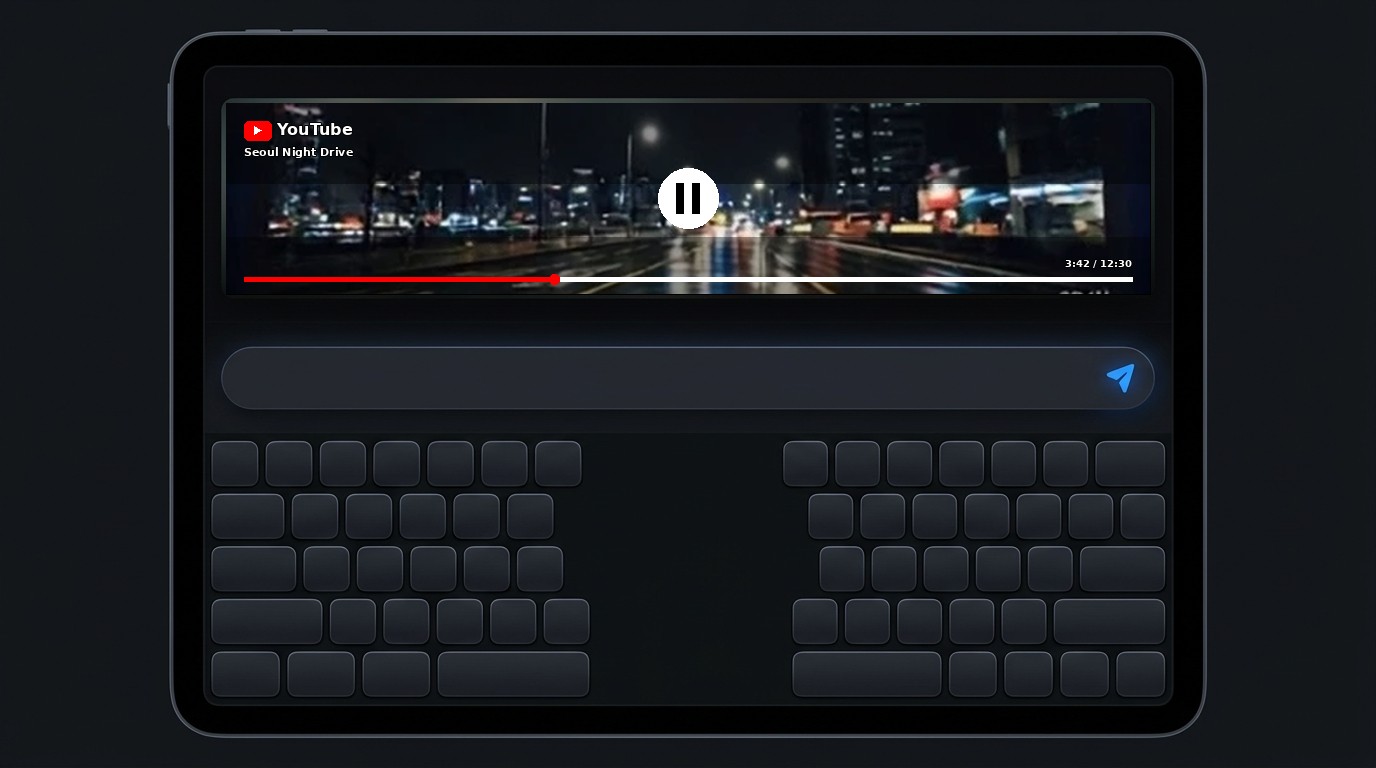
Genuine 2-column YouTube layout with a dedicated comment panel, bottom input bar, and full-width keyboard composer.
Select a view below to inspect the actual car display and landscape UI.
Runs directly on the vehicle's infotainment screen beside your navigation map.
Verify compatibility with your phone and car head unit first using the 1-Day Trial before purchasing the full version.
Full functionality for 24 hours from first launch so you can confirm everything works on your vehicle.
One-time payment. Unlock unlimited playback with no time limits once you've tested the 1-day trial in your car.
Secure checkout by Gumroad · After payment, your Pro APK + license key are emailed instantly.
Check out securely on Gumroad with your card. No account on appsonlab.com needed.
Gumroad emails you the Pro APK download link and your unique license key automatically.
Install via KingInstaller, open the app, enter your license key once — it binds to that phone.
Enter the license key from your Gumroad receipt email. The key works on 1 device and cannot be transferred.
Lost your key? Email support@appsonlab.com with your Gumroad receipt.
Select your phone's Android version to see the required installation method.
Follow these 4 steps on your phone to install either the 24-Hour Trial or YouTube Auto Pro.
Connect your phone to your vehicle via USB or wireless Android Auto, open the App Drawer on your car screen, and tap YouTube Auto.
Note: It is normal for the app not to appear in the phone's "Customize Launcher" list—it appears directly in the car display's app drawer.
Car Screen Result: The YouTube Auto icon appears in your car's dock/app drawer and plays video beside your navigation map.
2-Column Landscape UI: YouTube video & comment entry on the left, scrollable comments & input bar on the right.
Comment Typing: Full-width comment bar stays anchored cleanly above the on-screen keyboard.